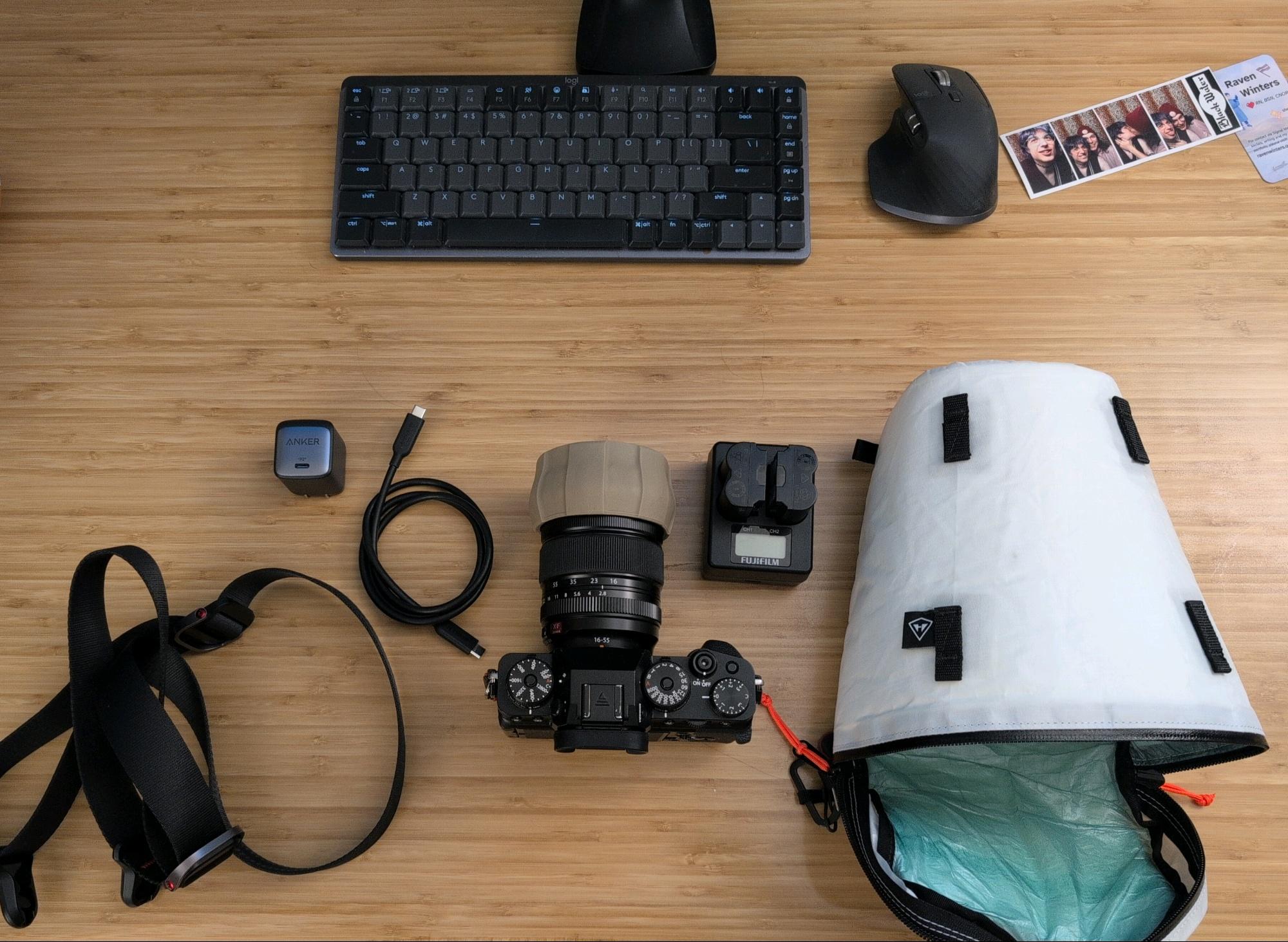
X-T4
published 2025-08-17
i bought the fuji x-t4 in 2020 and nearly 5 years later it’s still going strong!
here is small guide to how i use it, and some of the settings i use
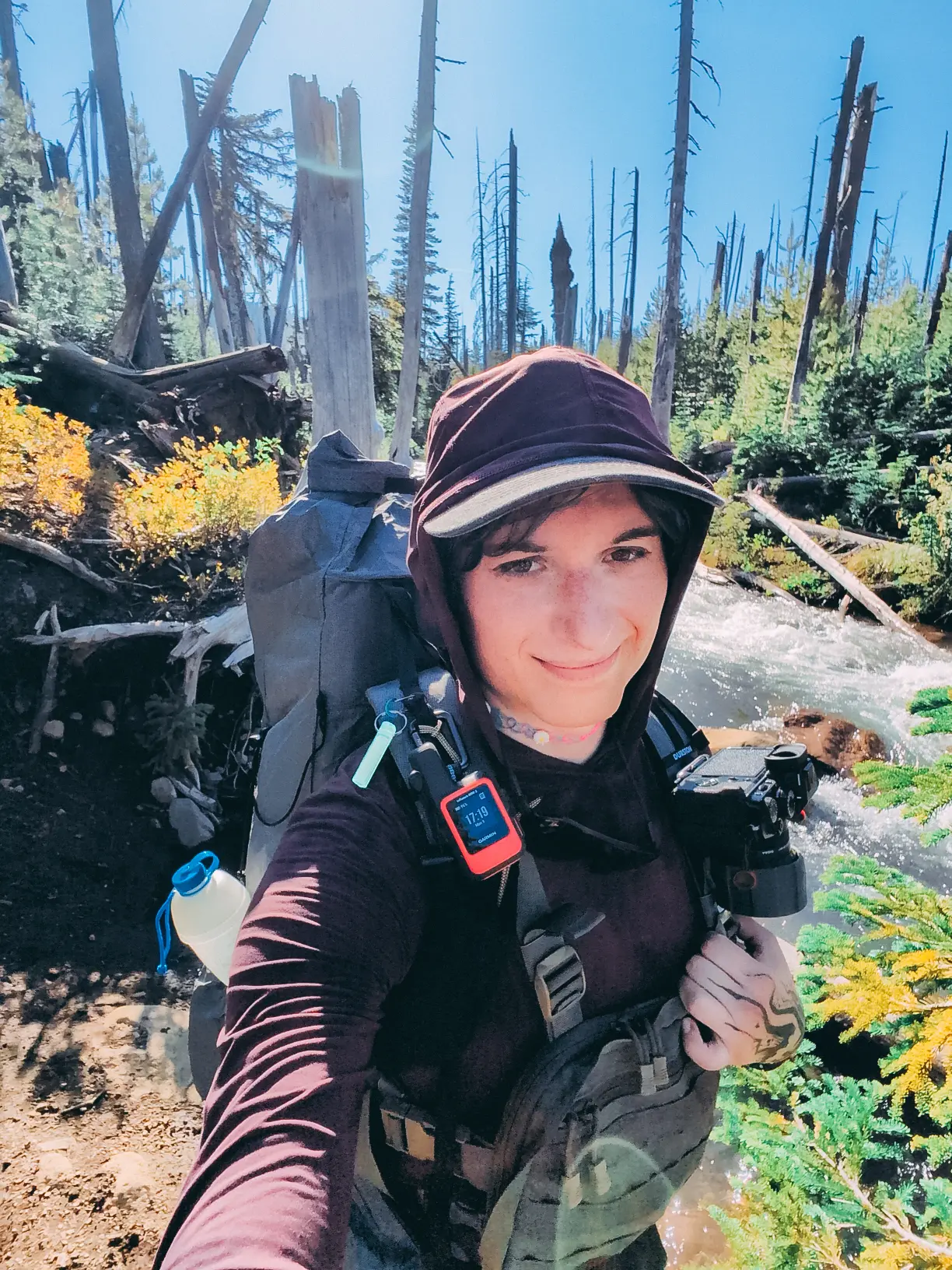
i have shot 2 engagements, several union pickets/events, 1 wedding, 1 big trip to Patagonia (with the amazing Marc Adamus), and many many locations around the states of Oregon and Washington
so while im not the most experienced photographer, ive had this camera for 5 years and learned a lot about its use and further developed my understanding and process of photography
if ur just getting started with fujifilm cameras, i recommend checking out Pal2tech’s guide
for fujifilm film sim recipes, i rly like Reggie’s Portra (uses a 10% mist diffusion filter):
if im casually shooting, ill shoot jpg+raw and use the above recipe
usually the only post-processing i do to the jpgs is put a vignette or mask a bit of the light or color (or just use them as is straight out of camera if there are a lot of them)
i do all my editing in lightroom mobile (i wish there was a good opensource version of this) on my phone (previously did a bunch on ipad)
if im shooting landscapes, stars, etc., i will put it only in raw and then edit accordingly
the fuji cams are known for feeling similar to analog cams and i actually do appreciate the aesthetic and tactility of the camera (great stim object)
the dials and knobs are satisfying to click
on the top of the camera there are the dials to control iso (left), shutter speed (right), and exposure comp (far right, if in automatic/semi-auto settings)
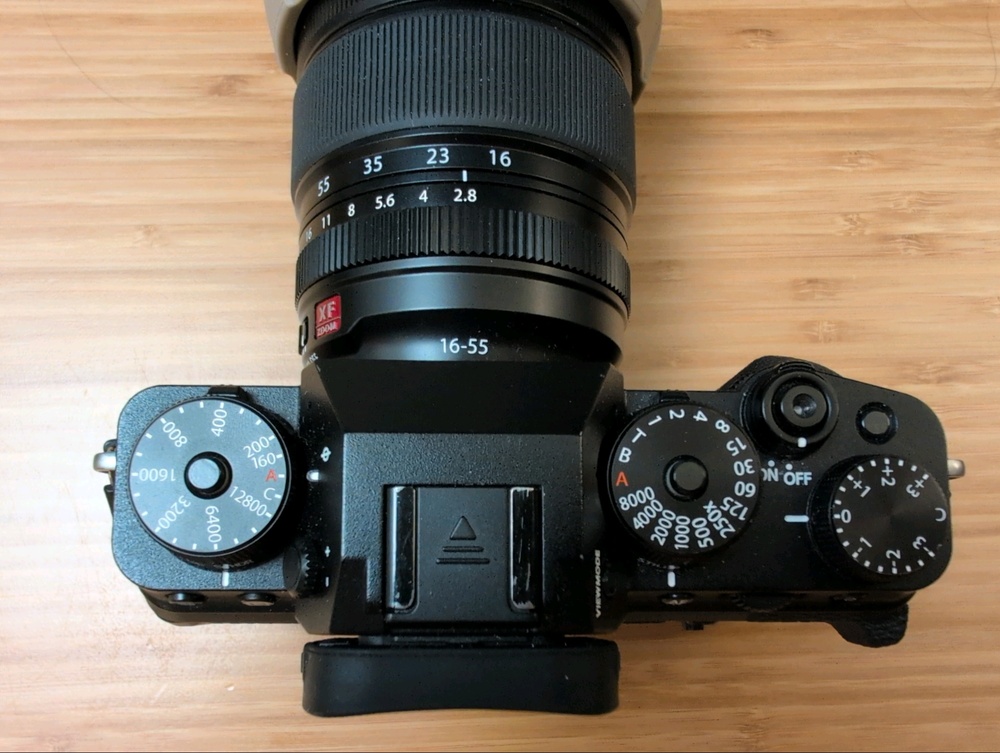
those same dials (if viewed head on) allow for mode changes (s being the normal single shot, cl being continuous low, etc.), the one on the right switches between still and movie mode
like most cameras, the shutter (where the power button is) is a half-press to focus, and full-press to take the shot
the power button is also on the top and is easily switched on (so much in fact, that i usually take the battery out if im not gonna be shooting for a while)
most of the fuji lenses (including my main lens, the 16-55 f/2.8 mk II) have a clicky wheel to set aperture directly on the lens (or u could shoot in auto, but idk y u would)
i shoot a lot of my photos in aperture priority mode (setting the aperture and putting iso and shutter speed on auto)
if im shooting objects that are moving fast, i will ofc manually set my shutter speed and may need to boost iso accordingly
astro and timelapse are always shot in full manual
on the front left of the camera (the cameras left lmao), there is a knob that says m,c,s and that is the focus mode dial (manual, continuous, and single)
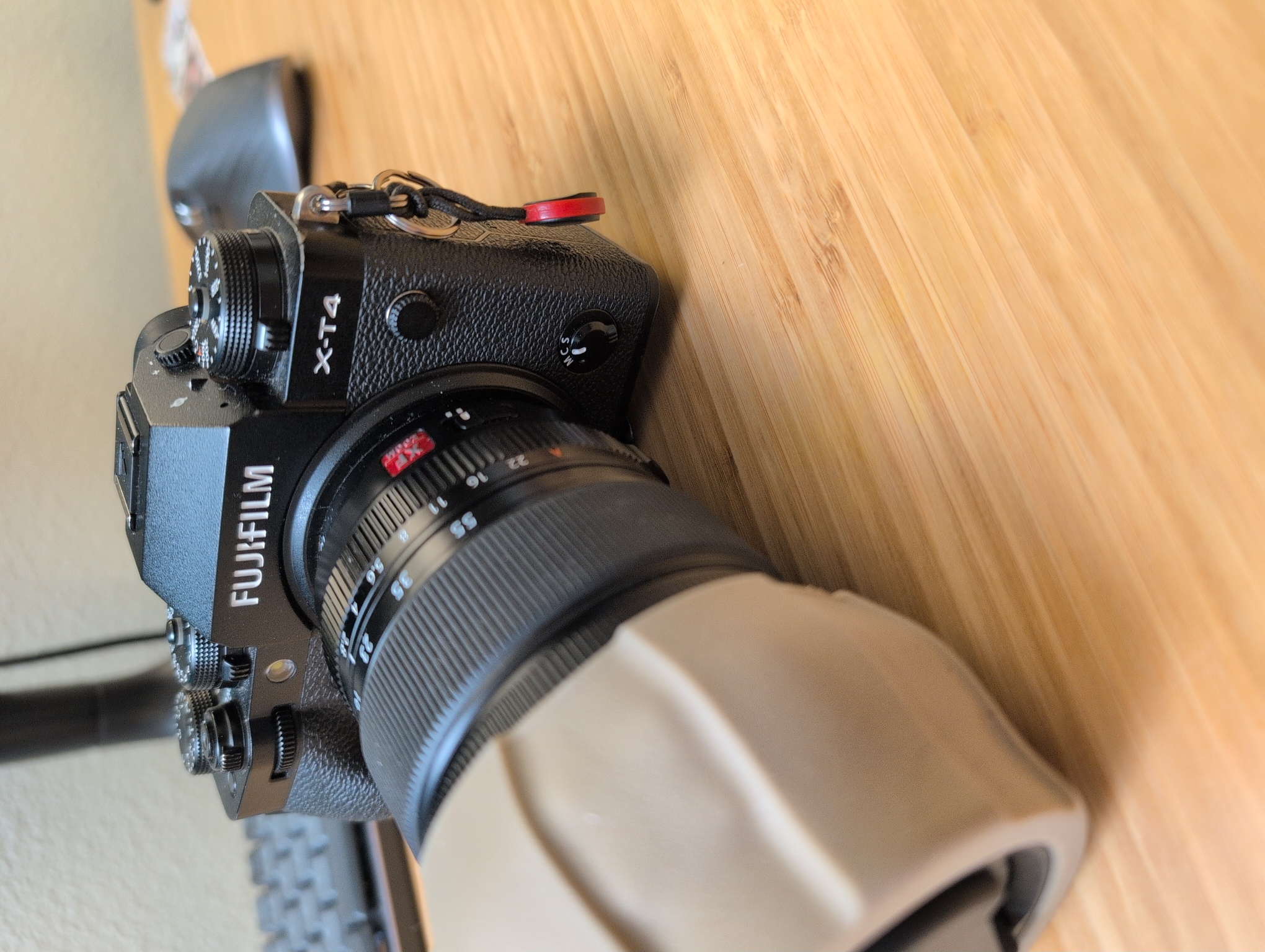
on the front right upper section of the camera is a button that i set to toggle eye/face autofocus detect
sometimes one wants manual control over the focus area and so this way one can toggle whether they want it on or not
on the back of the camera is an articulating screen that when not in use, i have it so the screen is tucked away so that it can’t accidentally get damaged
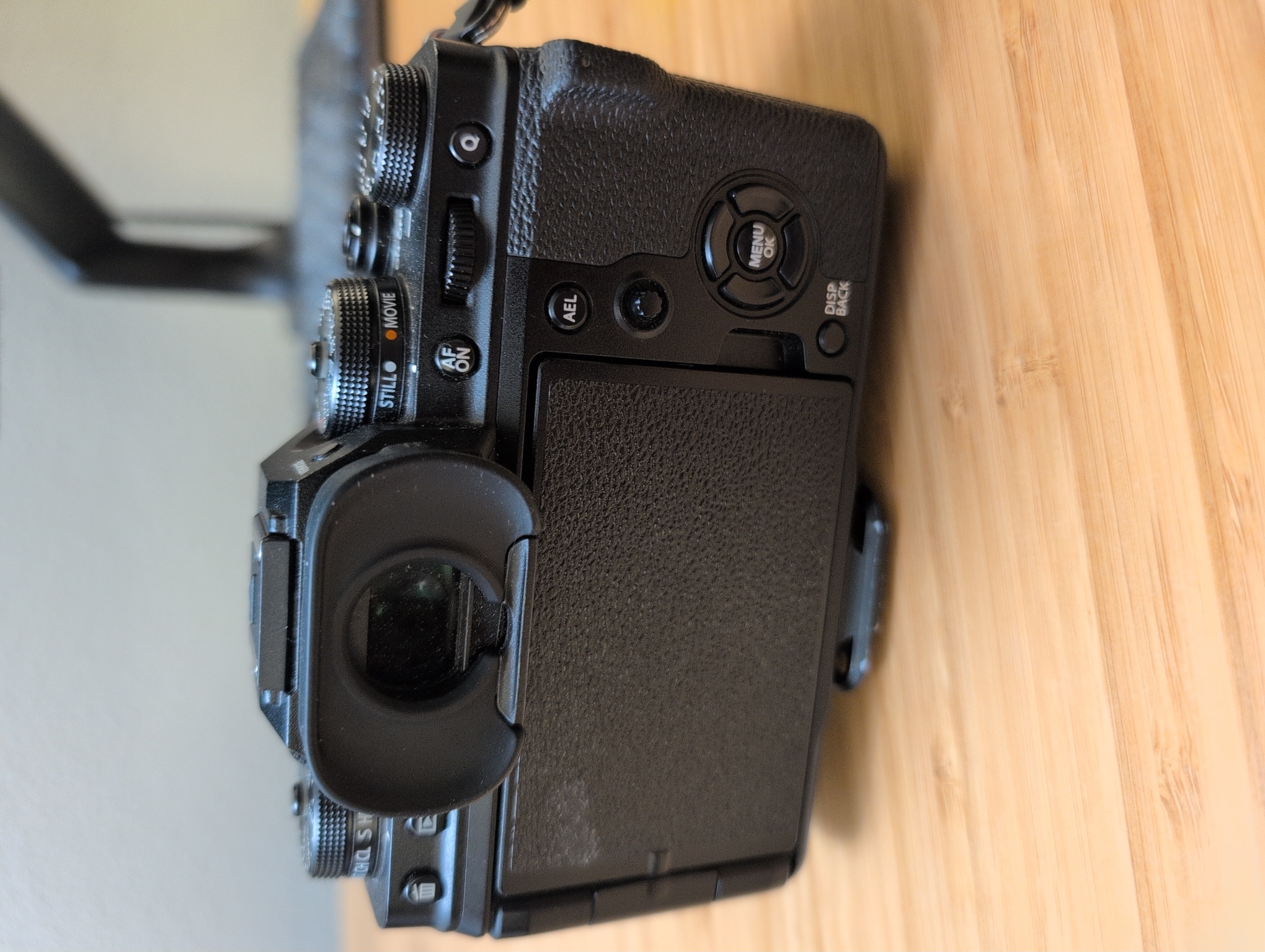
on the back top left, there is a “play” button which is how one reviews images, and the trash button is next to it
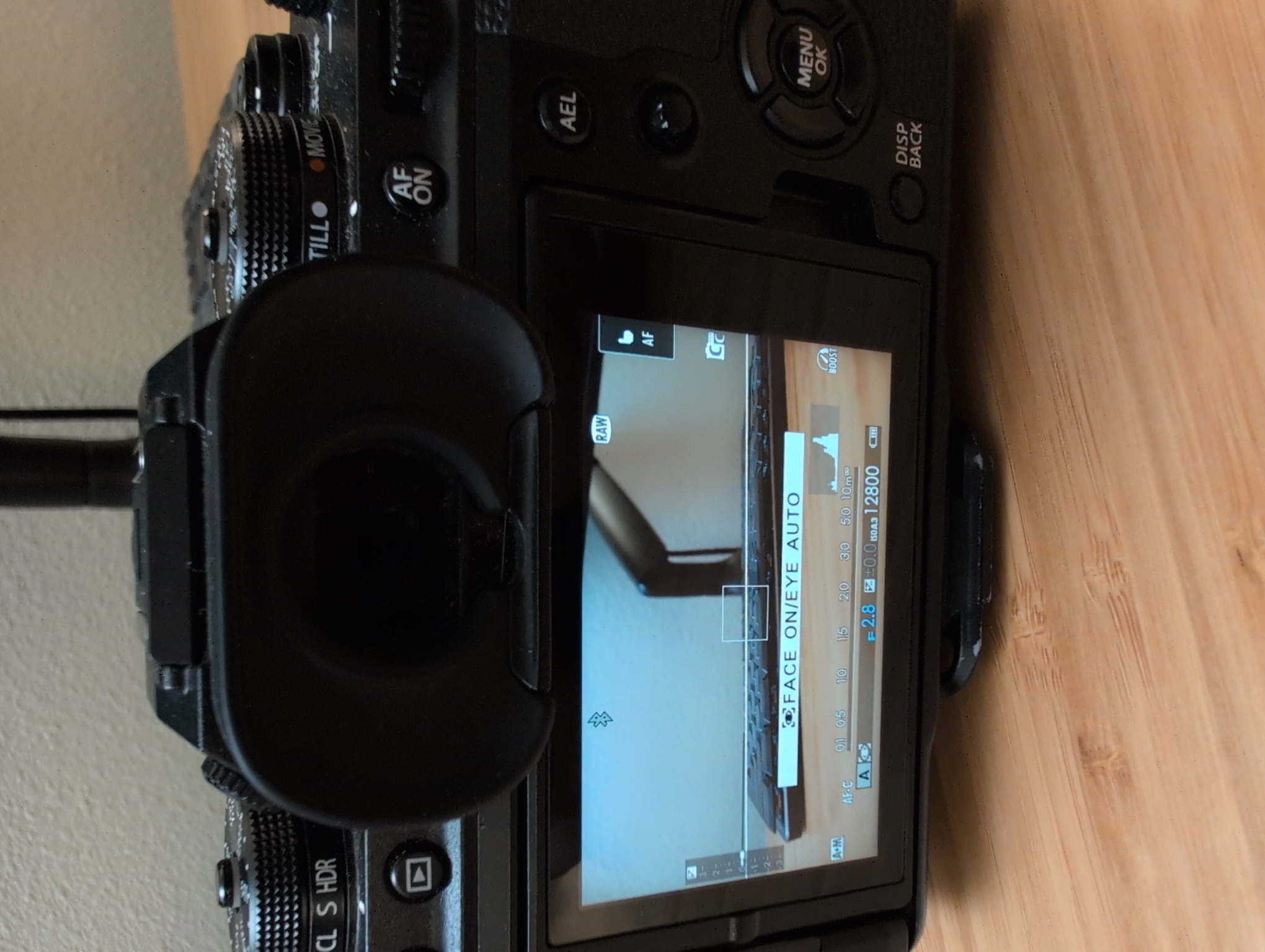
on the back right of the camera are the most important navigation buttons:
the smol joystick allow u to move the focus box where u want, the d-pad moves around, the scroll wheel can change ur focus box and zoom in and out or toggle between menu items, the display/back button will toggle extra info, and the q-menu gets u to a quick menu (thus the q) which allows access to quick camera settings
on the right of the camera is the door for SD cards (it has a dual slot and u can change in the setting how u want them to function together or not)
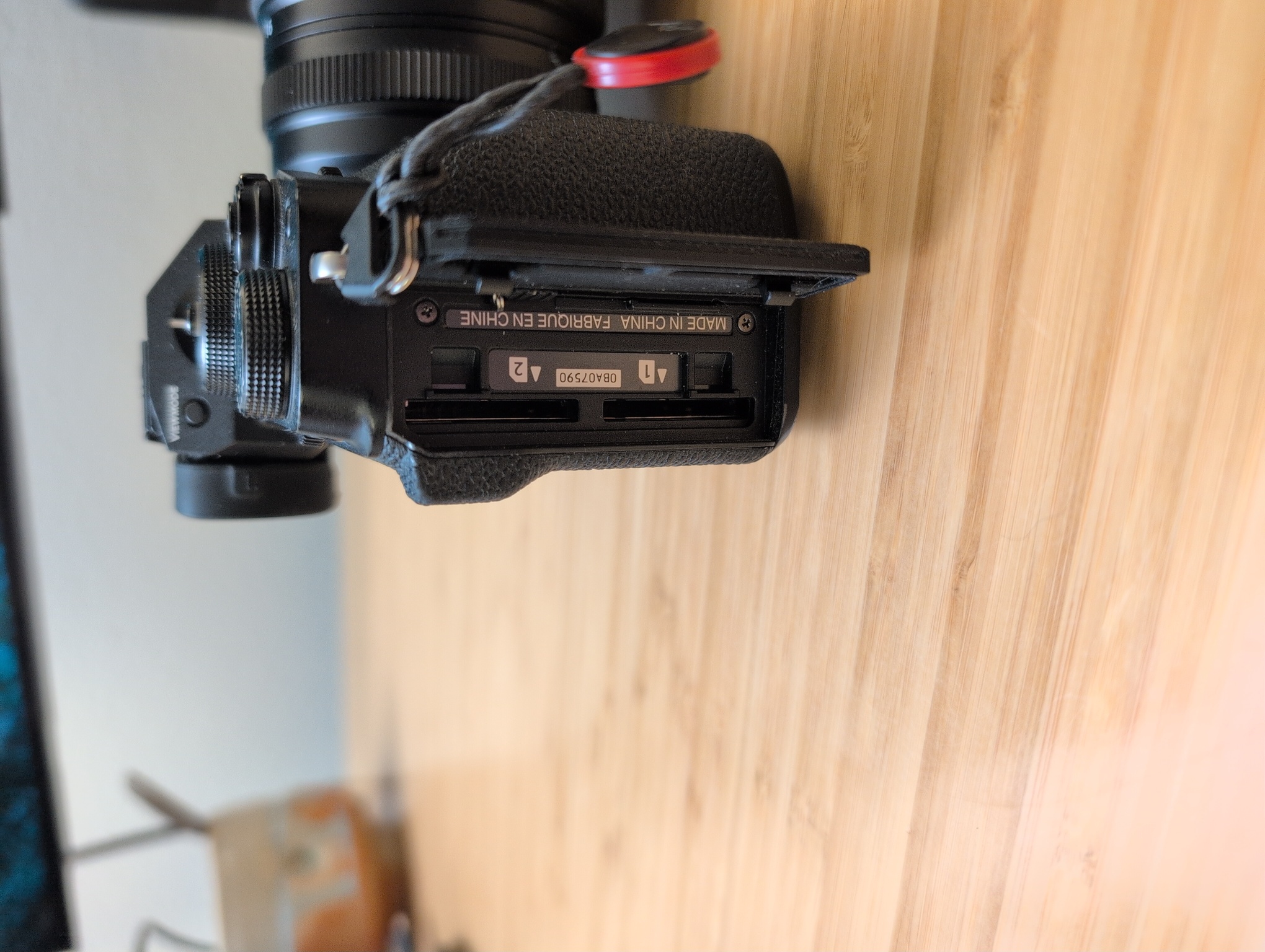
on the left is the aux ports, including USB-C which when im transferring photos i directly connect my USB-C cable from phone to camera and use the mtp protocol to transfer photos directly into lightroom mobile
on the bottom of the camera is the battery door and i keep an arca swiss mount (from peak design) on the bottom to go into my tripod)
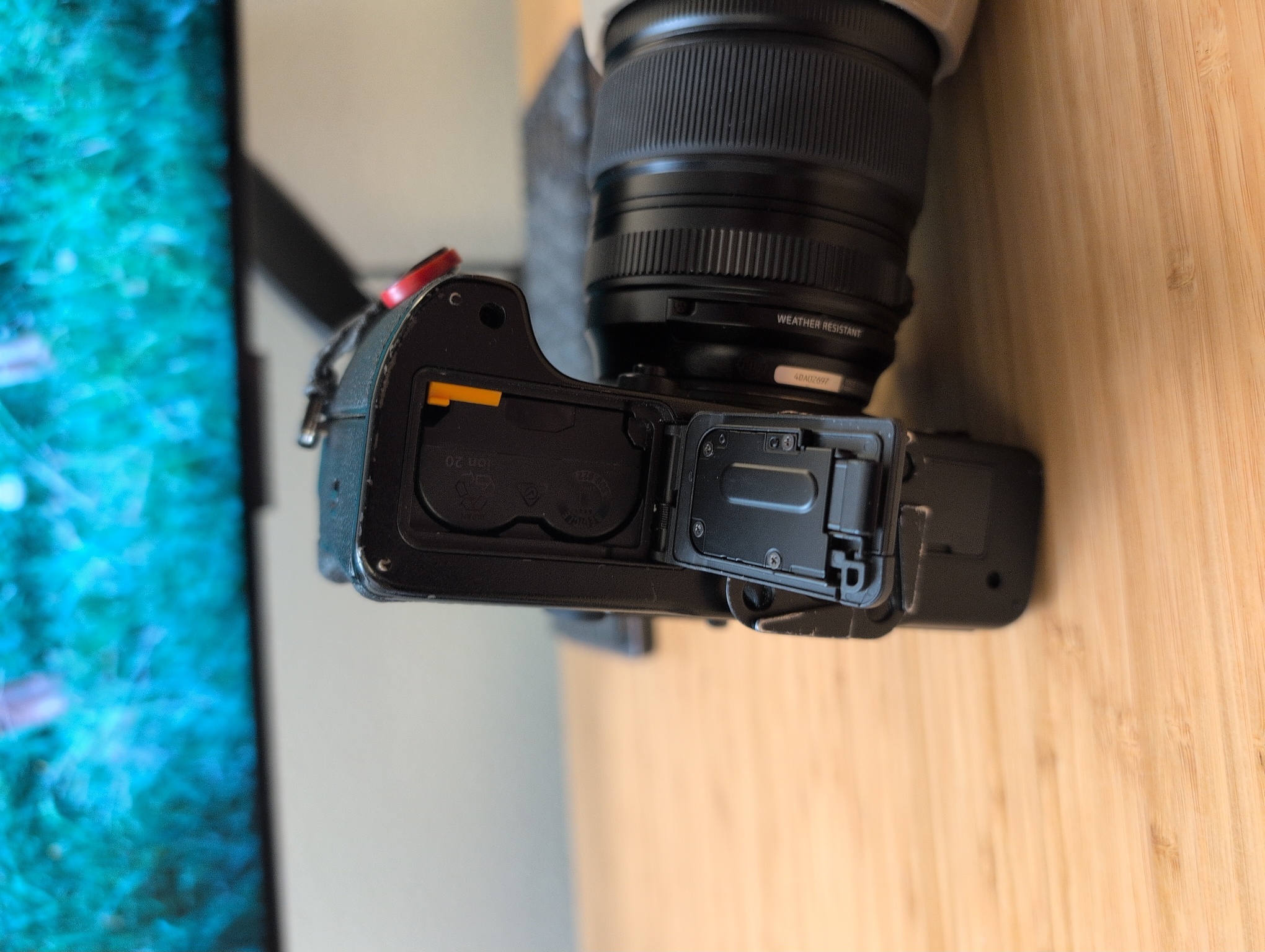
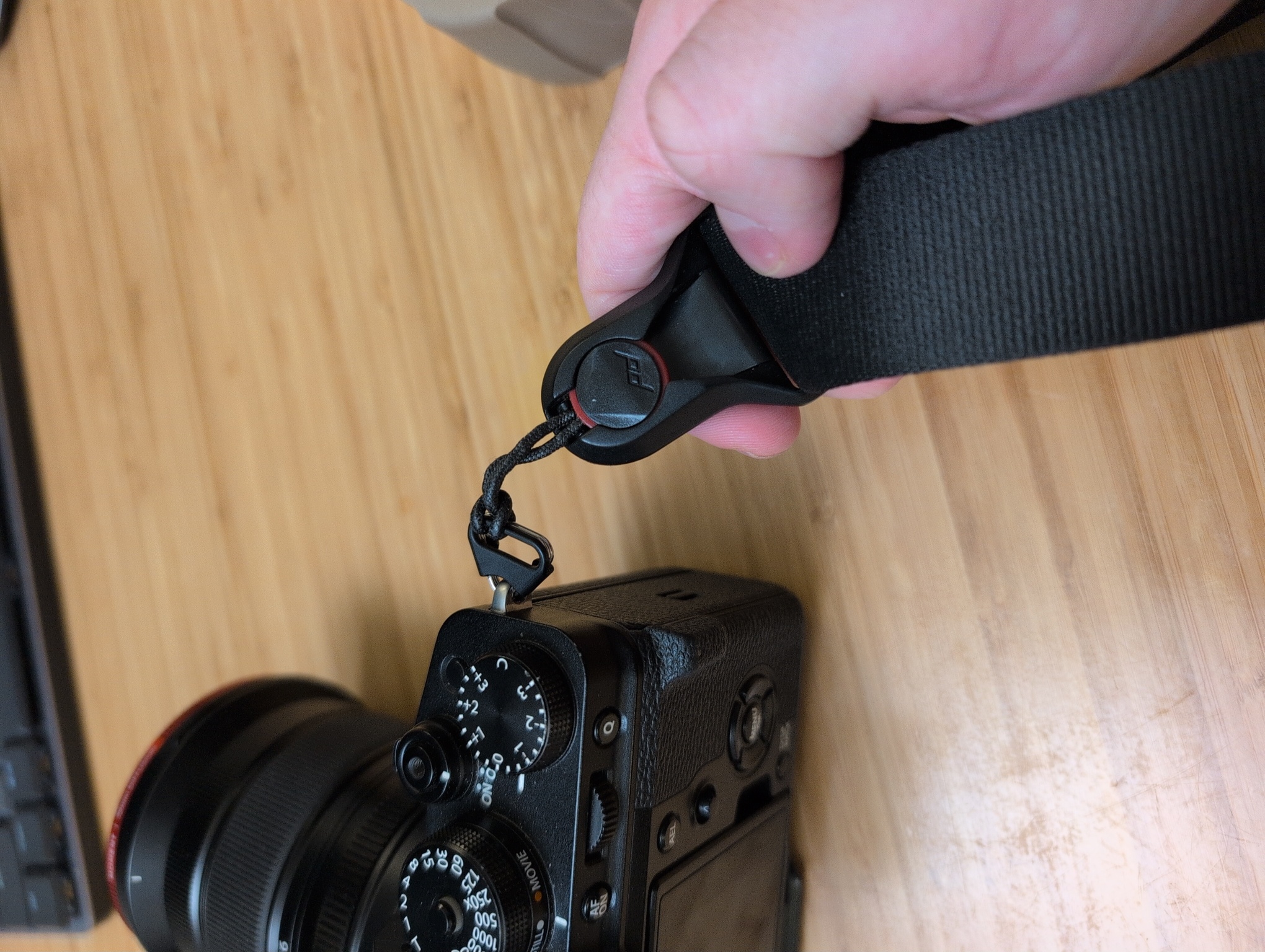
i use the peak design mounts for my camera strap, which i also have on the camera bag so i can either carry it with the strap on the camera or on the bag
one other thing to note is the film sim settings, and ull find those in camera
if u wanna do a self-timer, i programmed one of the d-pad buttons to get to that menu quickly
the lens cap i use for this camera is one of the lens defenders from polar pro
it has a compartment to keep an extra sd card if u wanna
there is so much more i could say about using this camera, and how i specifically shoot, but i wrote this up quickly in case u find one of these amazing cameras in ur paws
=)